Create Budget
Overview
In this section, you will learn how to create AWS Budget using AWS’s pre-built templates. AWS Budget is an important tool that helps you monitor and control AWS costs effectively.
Create Budget using template
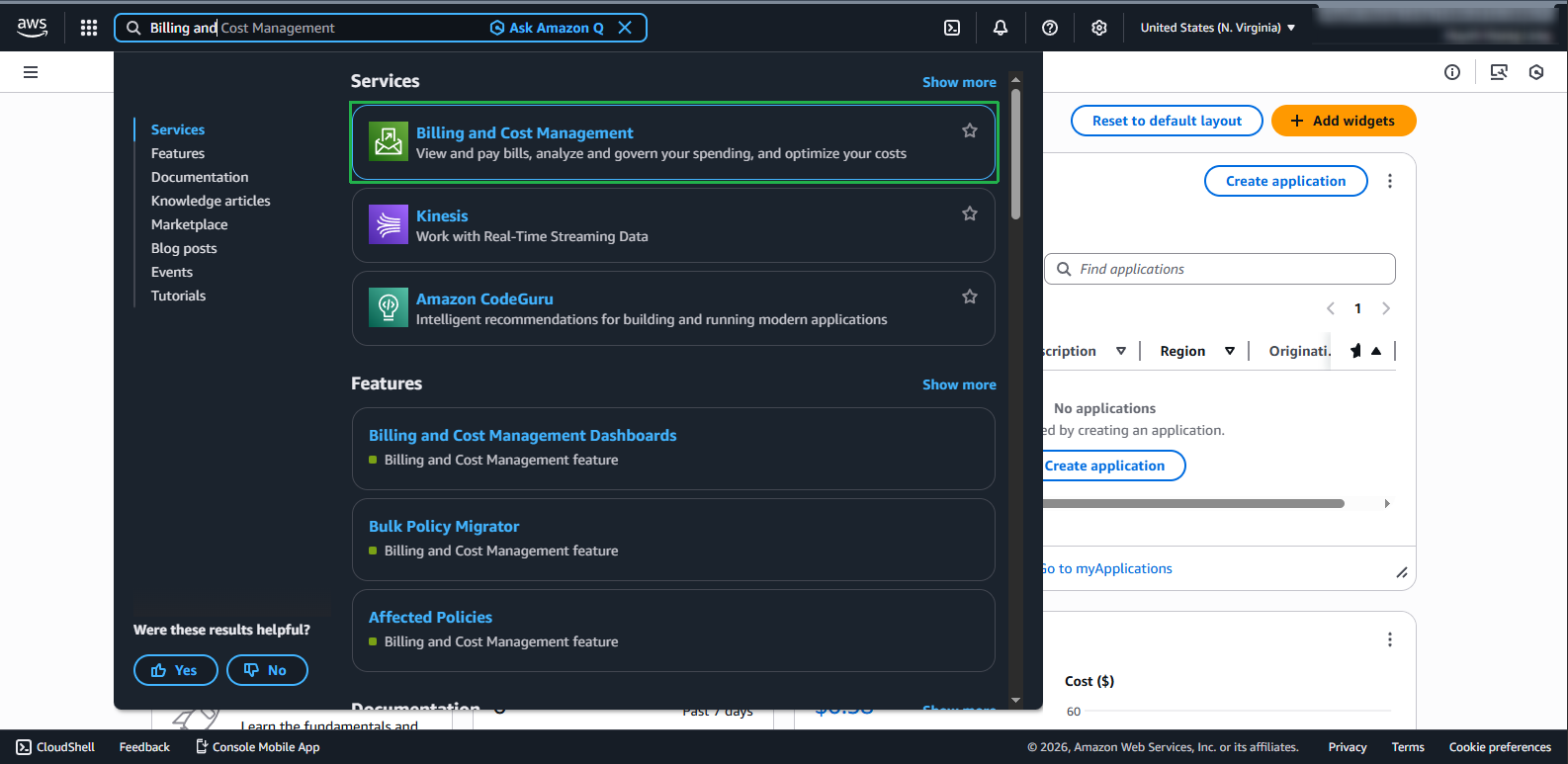
- Access AWS Management Console:
- Open AWS Management Console
- Find and select AWS Billing and Cost Management service
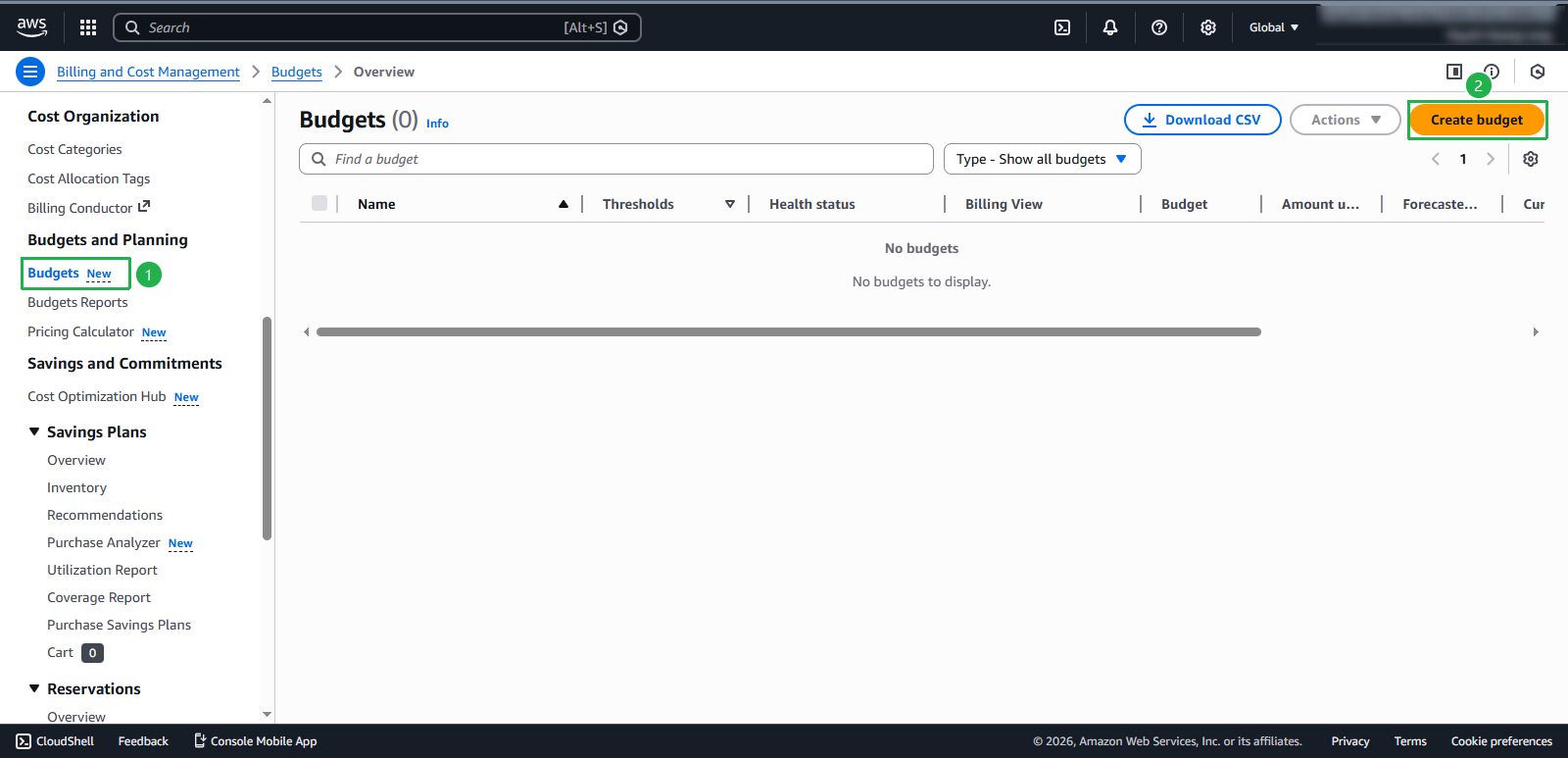
- In the AWS Billing and Cost Management interface:
- Select Budgets from the left menu
- Click Create a budget
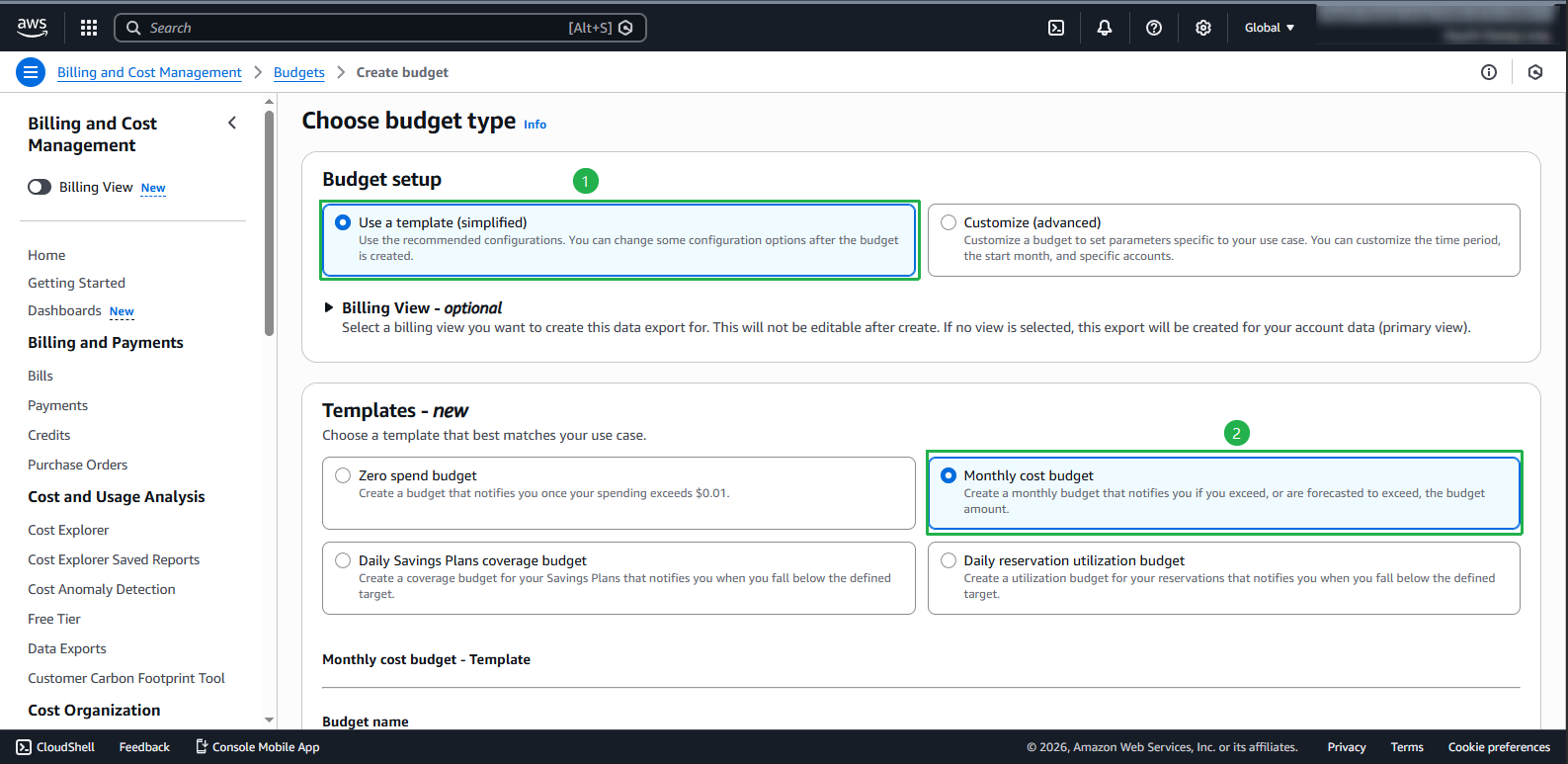
- Set up Budget configuration:
- Select Use a template (simplified) to use the available template
- In the Templates section, select Monthly cost budget
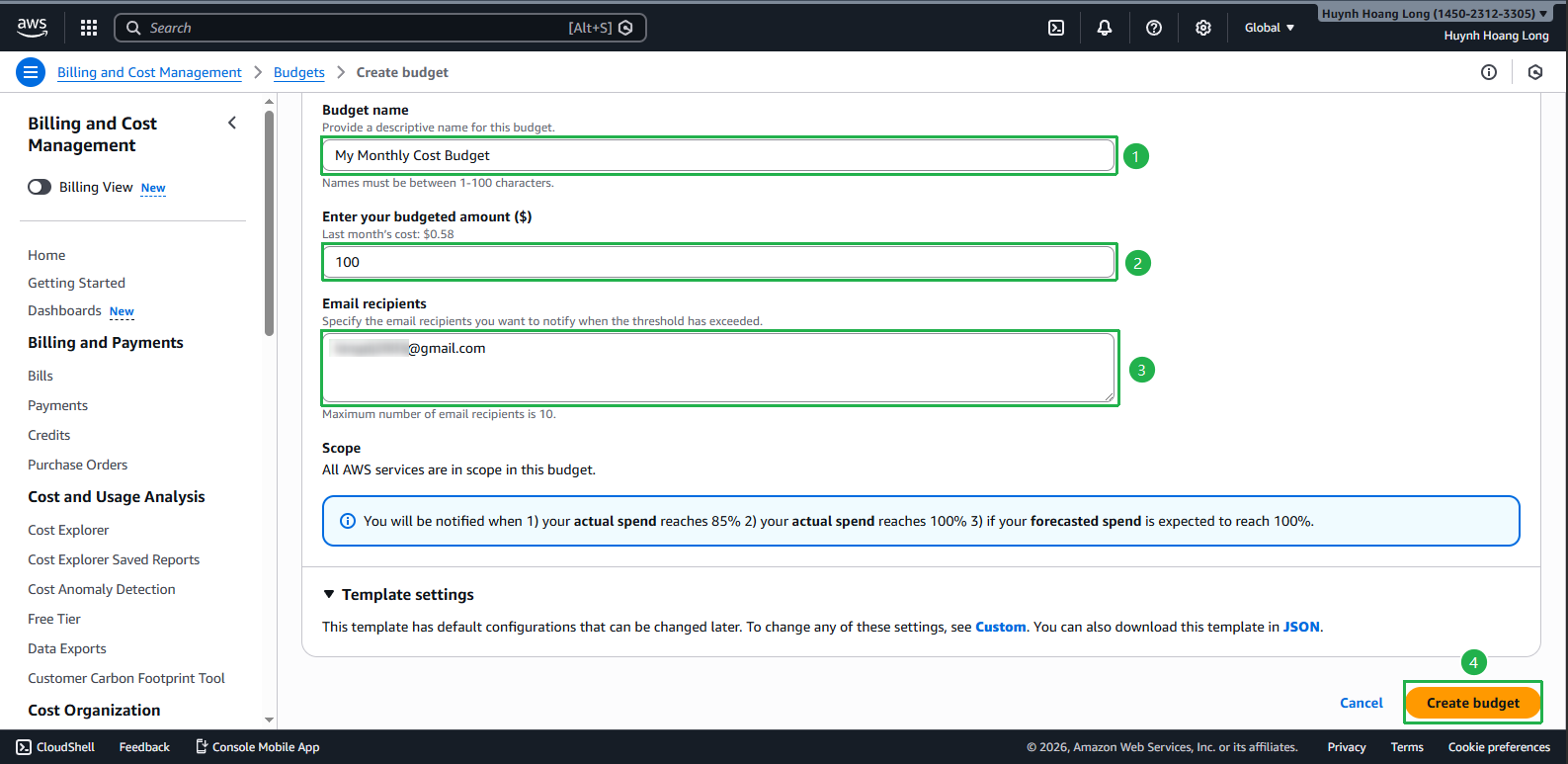
- Enter detailed information for Budget:
- Set a name for the Budget
- Define the monthly budget amount
- Set alert thresholds
- Click Create budget to complete
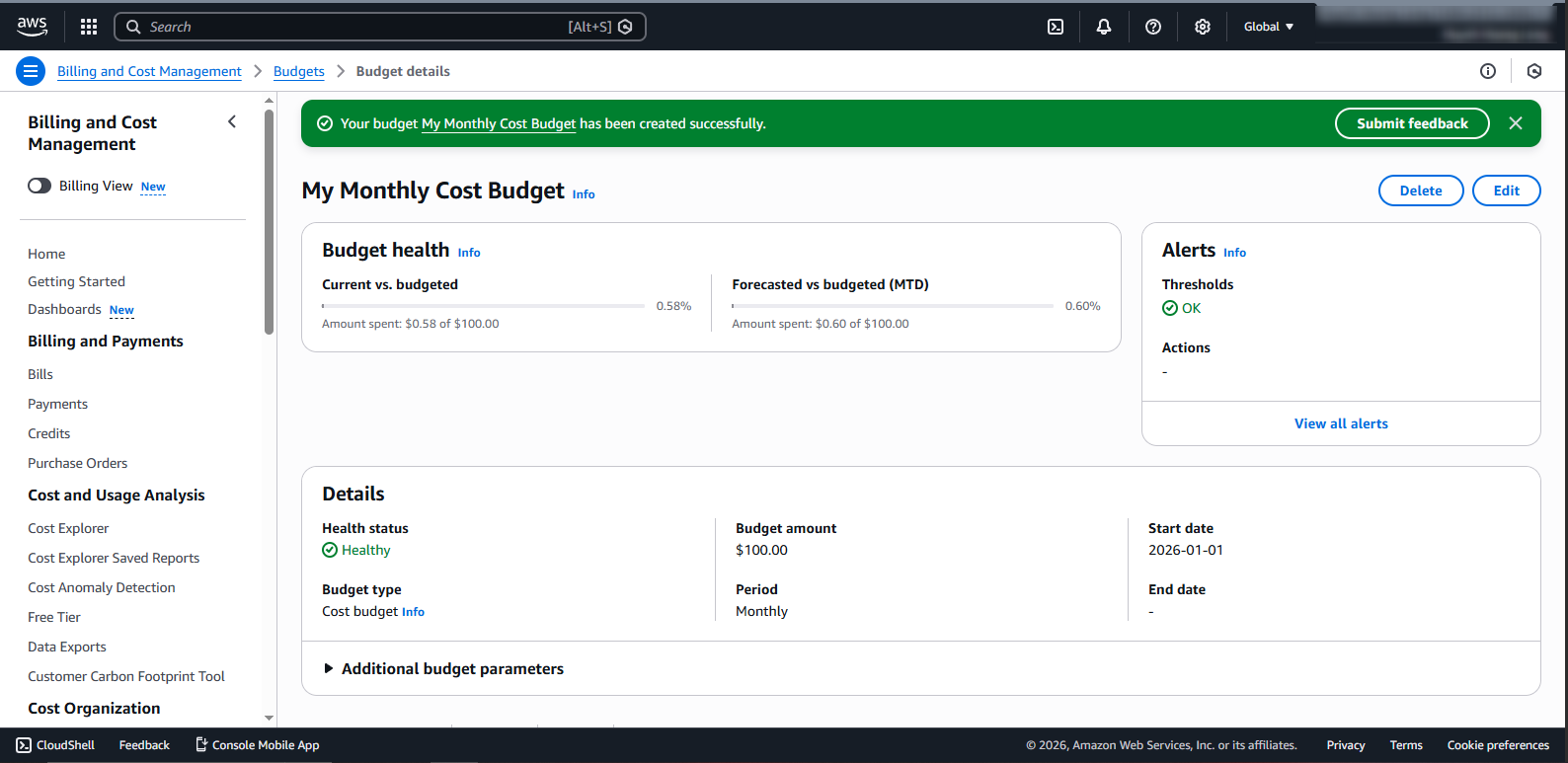
- Confirm Budget has been created successfully:
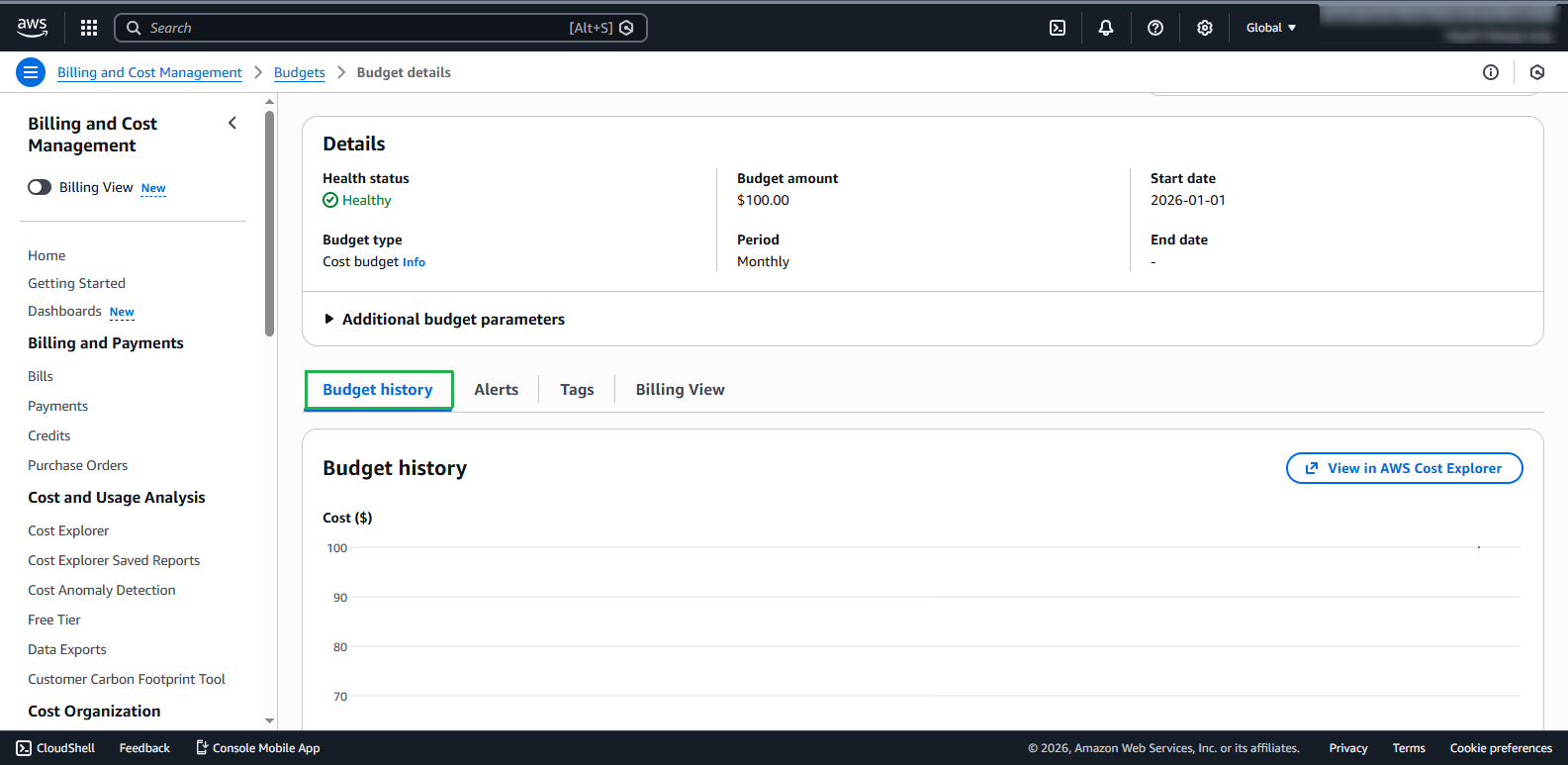
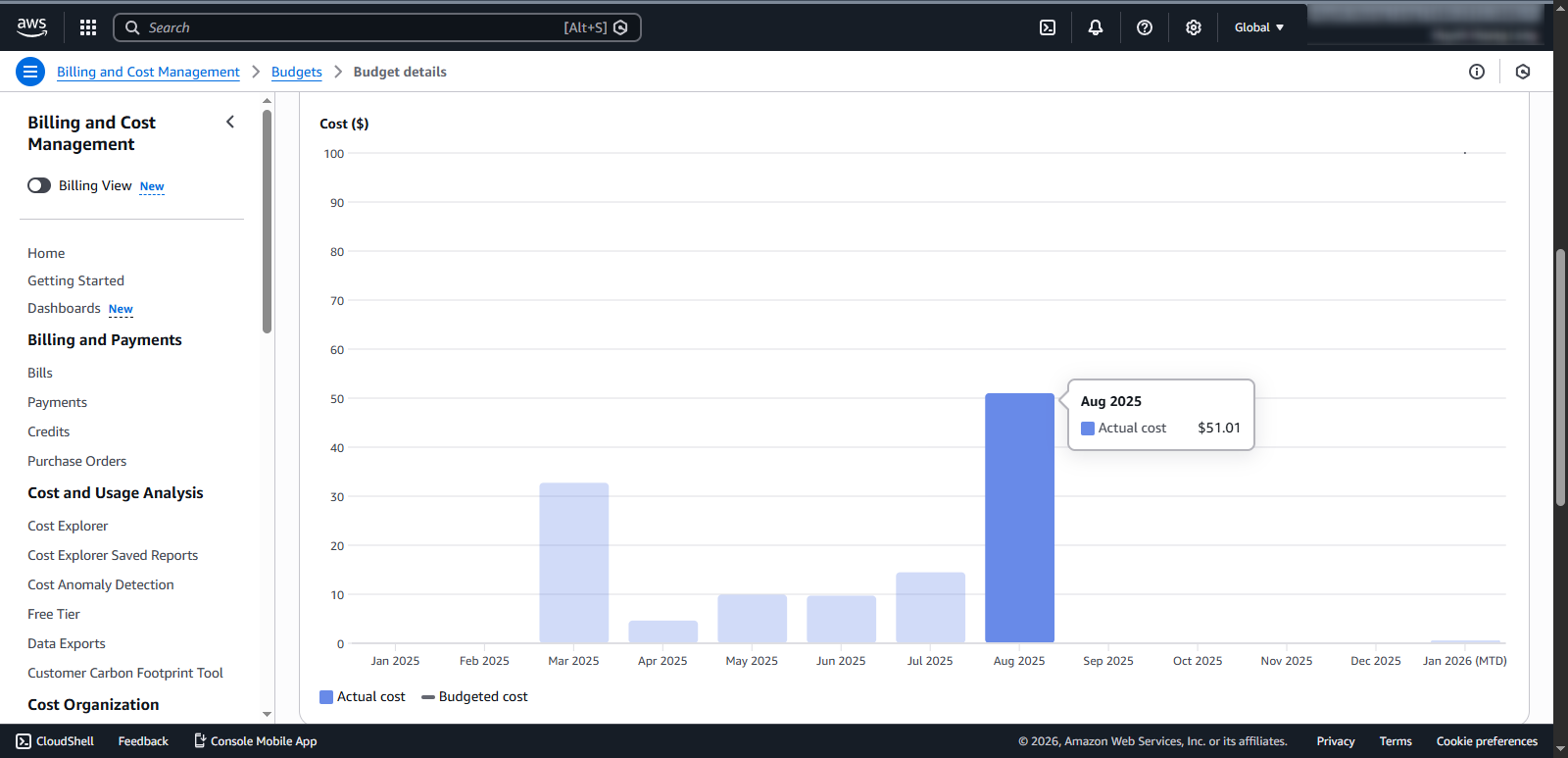
- View Budget history:
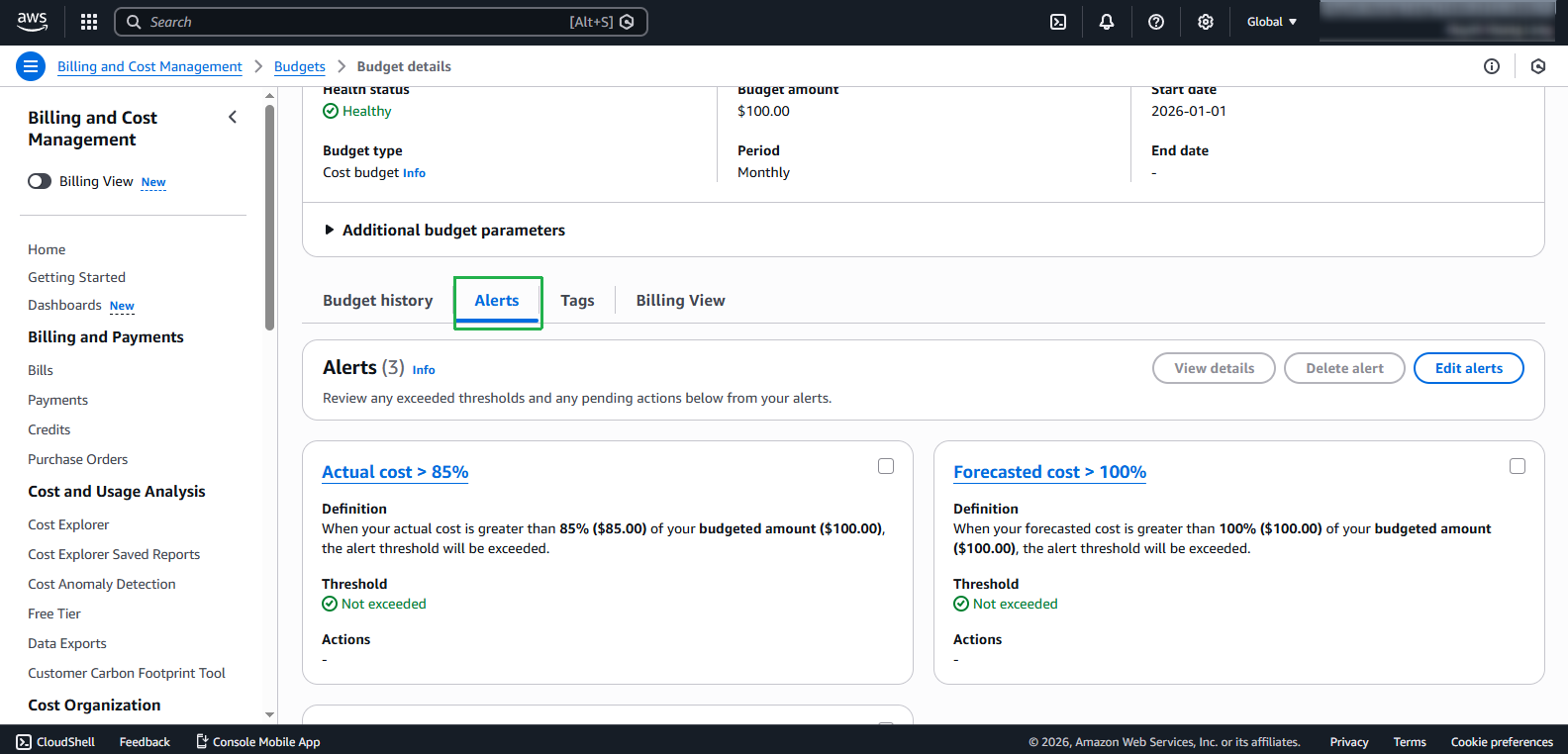
- Check available alert types in the template:
Benefits of Using AWS Budget Templates
ℹ️ Information: AWS Budget Templates help simplify the budget creation process by providing predefined configurations for common use cases.
💡 Pro Tip: Using Monthly cost budget is a good choice to start with, but consider creating additional service-specific budgets as your system grows.
🔒 Security Note: Ensure proper access permissions are set for AWS Budget so only authorized personnel can edit or delete created budgets.
⚠️ Warning: Budget alerts do not automatically stop resources or prevent service usage when exceeding budget. Consider combining with AWS Service Quotas or IAM policies to control resource usage.